About Real City Driving 2
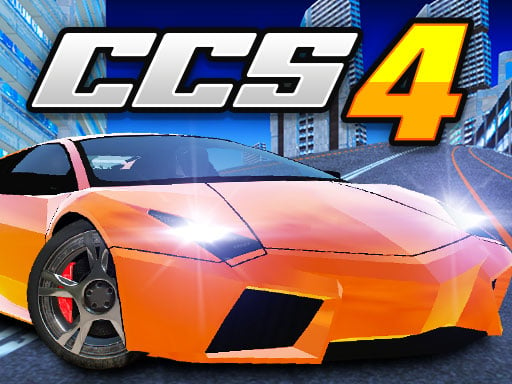
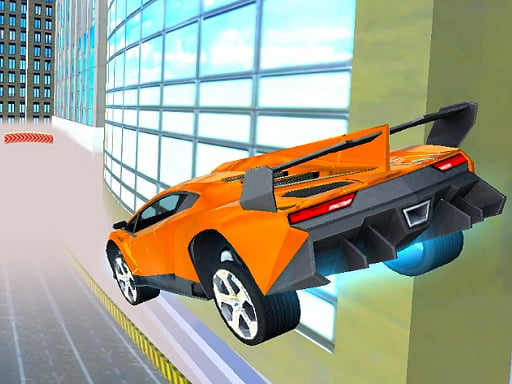
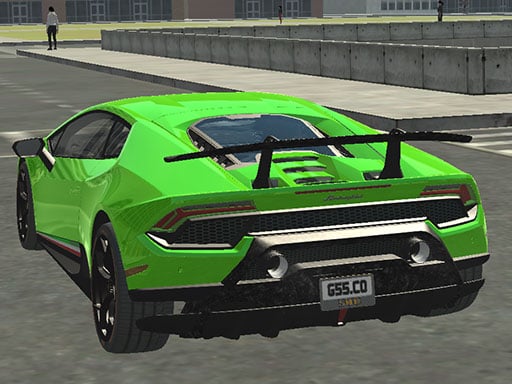
Real City Driving 2 is about one simple pleasure: speed in an urban setting. You pick from a selection of supercars, roll out onto the city streets and push the car as fast as it will go. There is little to learn before you are moving, which makes this sequel a good fit for a quick session when you just want to drive something powerful through town.
Having several supercars to choose from gives each run a slightly different feel. The camera key lets you switch viewpoints, and a dedicated brake button helps you stay in control when a corner comes up faster than expected. Anyone who enjoys fast cars and free-flowing city driving without heavy rules will find it relaxing.
How to play Real City Driving 2
- Choose a supercar to start your drive.
- Use WASD to drive and Space to brake on a computer.
- Press C to cycle through camera views.
- On mobile, steer with the touch controls and keep your speed up.
Tips
- Brake briefly before tight turns instead of steering at full speed.
- Try each camera view and keep the one that shows the road best.