About Sportbike Drive
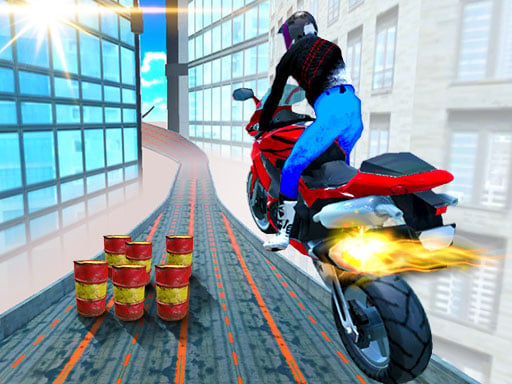
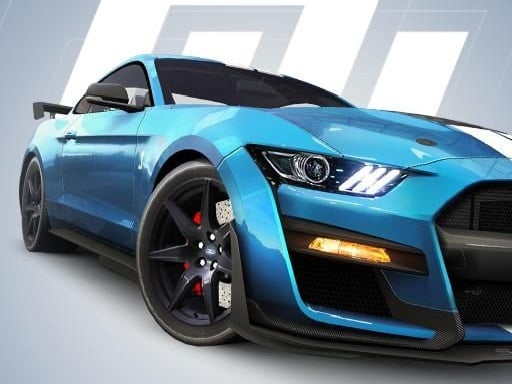
Here is a motorcycle simulator built around simply getting on a bike and going. You get three different machines and two separate places to ride, with no strict race rules hanging over you. Open the throttle, lean into corners and see how far you can push balance and speed. That makes it a good place to focus on your speed, your balance and how well you read the bike. Keyboard riding keeps things easy to manage.
The appeal is freedom. You can cruise down straight roads, try stunts, or swap between bikes to feel how each one handles. Because nobody is rushing you, it is an easy way to learn the riding physics. A good pick for bike fans and for anyone who wants a calm driving game. You can also return to the menu whenever you like to try a different bike and location pairing.
How to play Sportbike Drive
- On a computer, use W/S or the up/down arrows to accelerate and A/D to steer.
- Press X for the rear brake and R to restart after a fall.
- Open the menu with Esc or Tab to switch bike or location.
- On a phone, hold the device sideways in full screen and use the on-screen controls.
Tips
- Ease off the throttle before corners to keep the bike upright.
- Each bike feels different, so test them in open space first.
- Hit R right after a crash to get back on the road quickly.