About Kids Games Collection
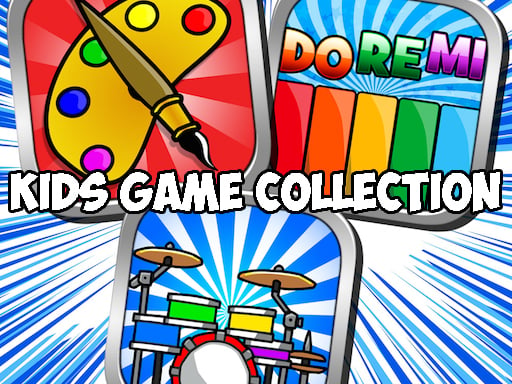
Rather than a single game, this collection puts several small activities side by side for younger players. You can tap piano keys to make music, tap out a beat on the drums, scribble freely on a blank page or color in ready-made pictures. There is no rival to beat and no score to chase. The point is simply to wander between activities and try whatever looks fun.
The nicest thing about a set like this is how easily a child can switch when one activity gets boring. Music fans will enjoy making sounds on the piano and drums, while those who love art can spend their time on the drawing and coloring pages. Menus are kept simple, so a parent can sit alongside and play together. Nothing needs downloading; it opens right in the browser.
How to play Kids Games Collection
- Pick the activity you want from the main screen with the mouse, or tap it on a phone.
- On the piano and drums, click or tap the keys and drum pads to play sounds.
- In drawing and coloring, choose a color, then click and drag across the picture.
- When you get bored, go back to the menu and try another activity.
Tips
- Press piano keys one after another to find a simple tune.
- When coloring, fill the big areas first and leave tiny details for last.
- Switch to full screen for more room to draw.